Catppuccin, Gruvbox and Nord on your Chrome new tab
Stackboard turns Chrome’s new tab into a board of your bookmarks, and it comes in the palettes people already use in their editors and terminals, in their official colors.
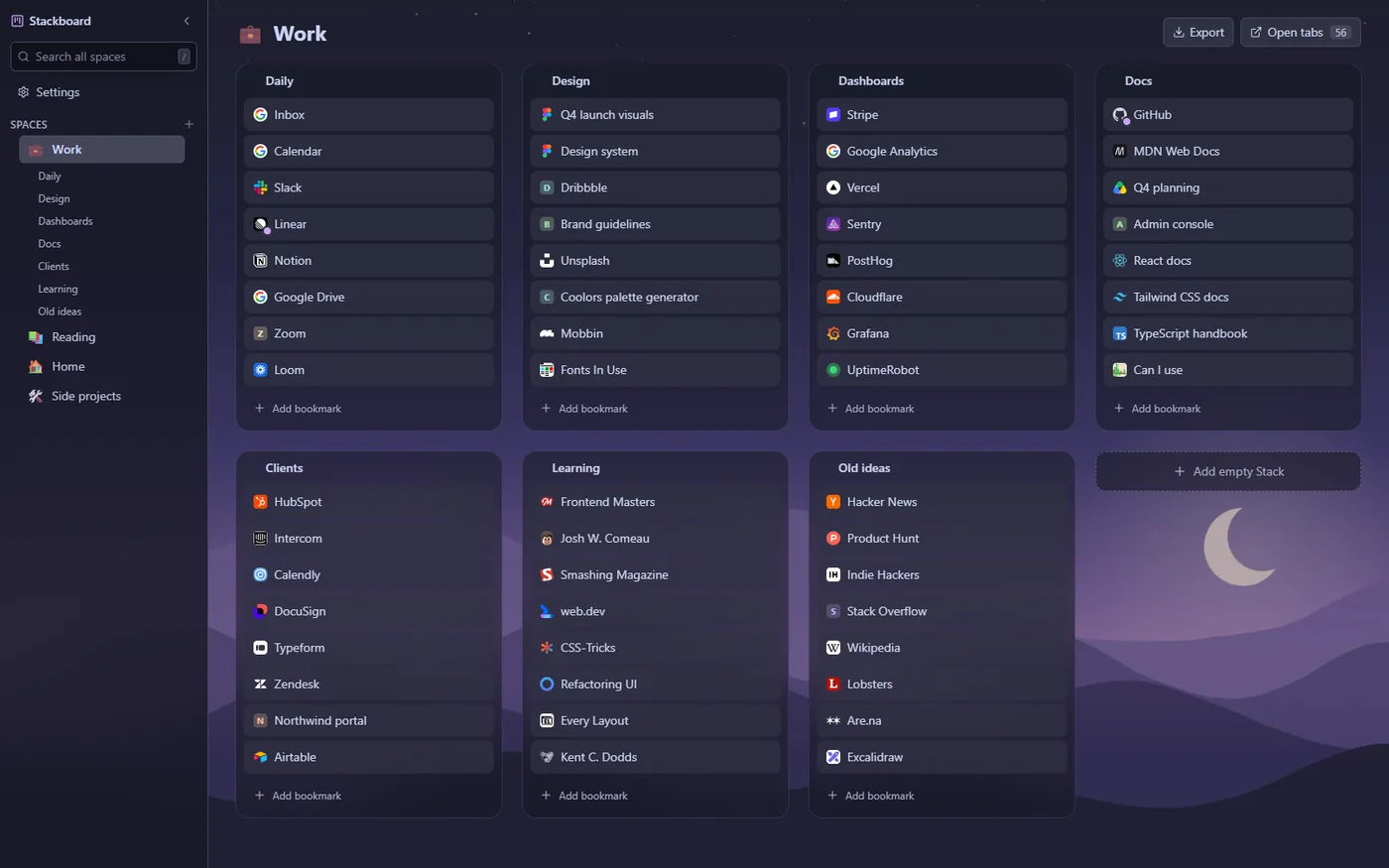
The palettes
- Catppuccin: Latte for light, Mocha for dark.
- Gruvbox: light and dark.
- Nord: dark.
- True black: pure black for OLED screens.
- Stackboard: the cream default and a dark version.
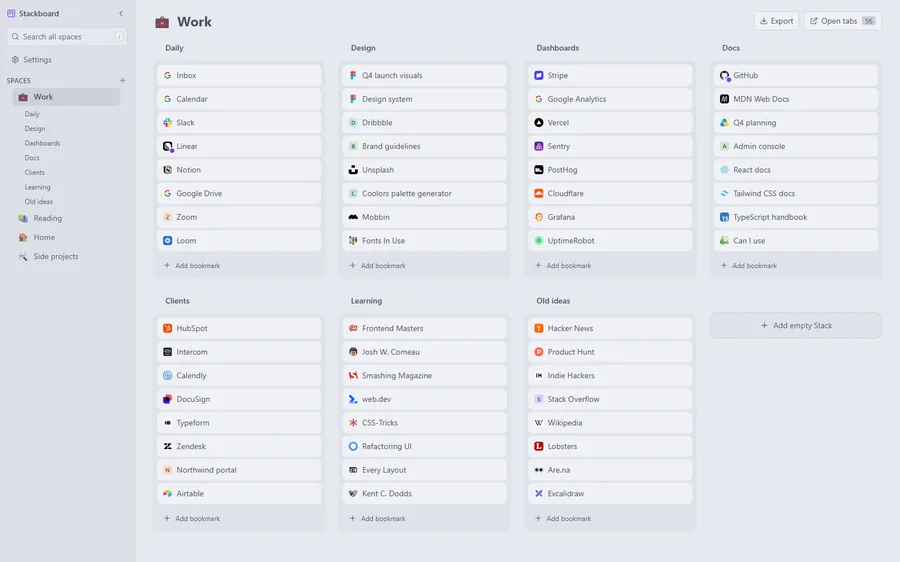
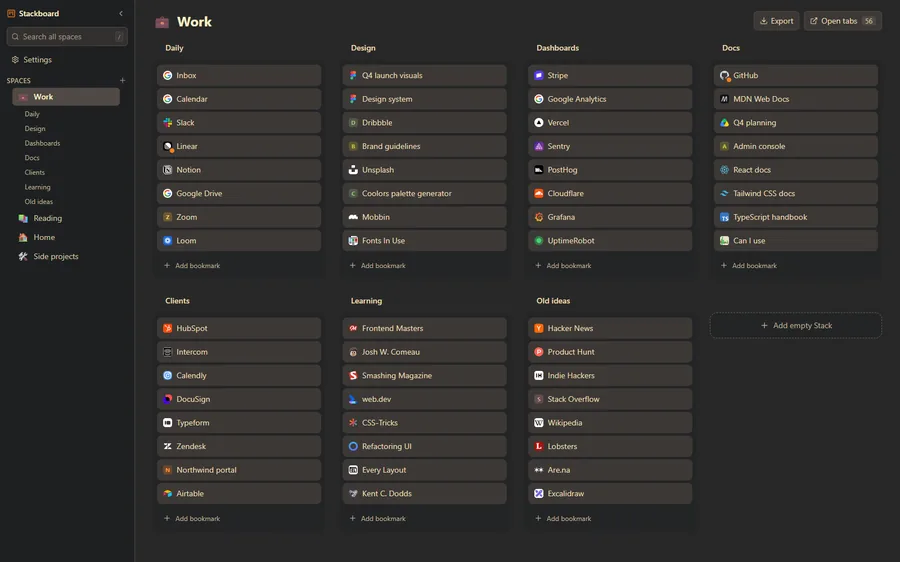
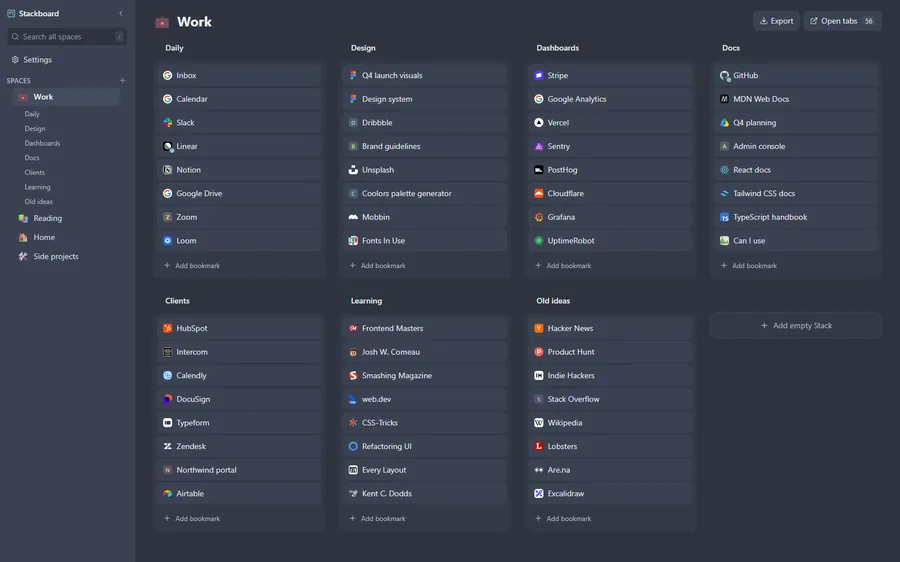
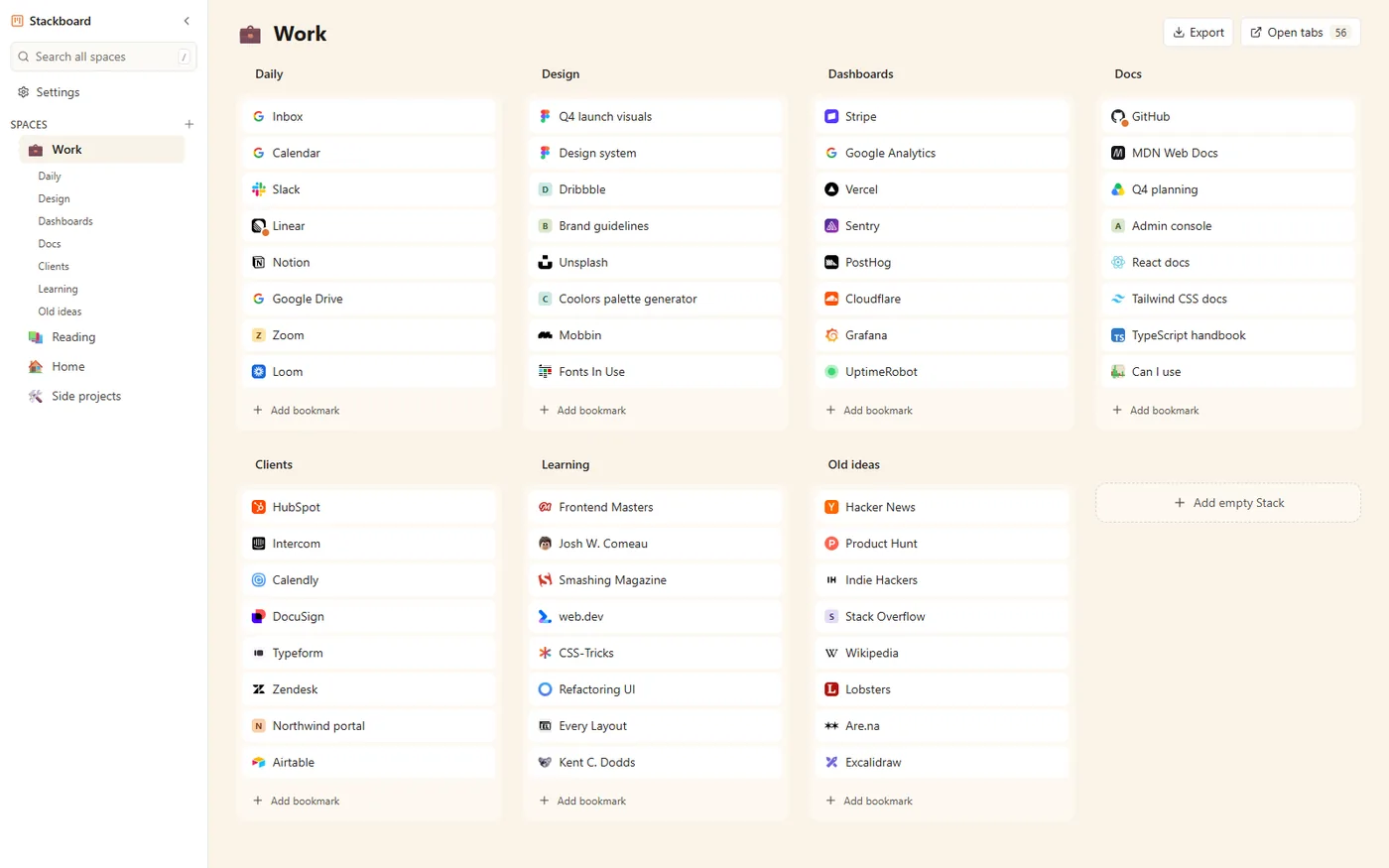
Make it yours
- Light, dark or system: follow your operating system and switch with it.
- Background: a solid color, a gradient from the palette, or your own picture with dim and blur. The picture stays on your computer.
- Density: comfortable or compact for big boards.
- Readable: every palette is checked for text contrast.
Open Stackboard’s Settings, and Appearance is at the top. Changes show on the board behind it as you click.
Questions
Is it free?
Yes, every theme is free and there’s no account.
Does my wallpaper upload anywhere?
No. It’s stored in your browser on that computer and never leaves it.
Do themes sync to my other computers?
Your boards sync through Chrome bookmarks. Theme and wallpaper stay per computer for now.
Theme your new tab
A free Chrome extension that turns your new tab into a board of your own bookmarks. No account, nothing leaves your browser.
Add to Chrome, it’s free